
Illustrative workflow
Roof drainage
- Capture evidence
- Professional evaluation
- Review
- Report
Building Analyst supports the workflow. A qualified professional evaluates and approves the finding.
Building Analyst for building surveyors
Building Analyst is being developed to keep inspection photos, notes and findings together, then prepare a report draft for your professional review.
Building Analyst — in development
Software supports the process. Qualified professionals make the decisions.
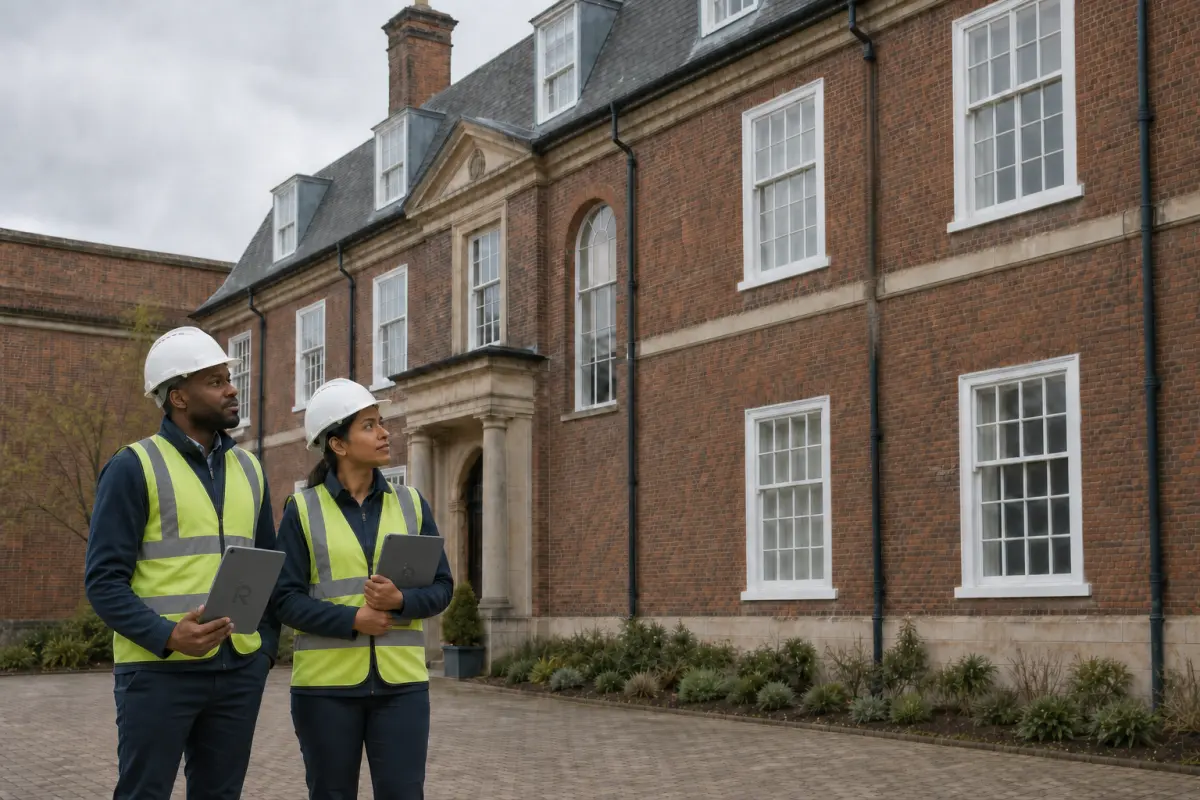
Building Analyst — in development
Choose a numbered issue. Follow its evidence through evaluation, review and reporting.
Select an issue
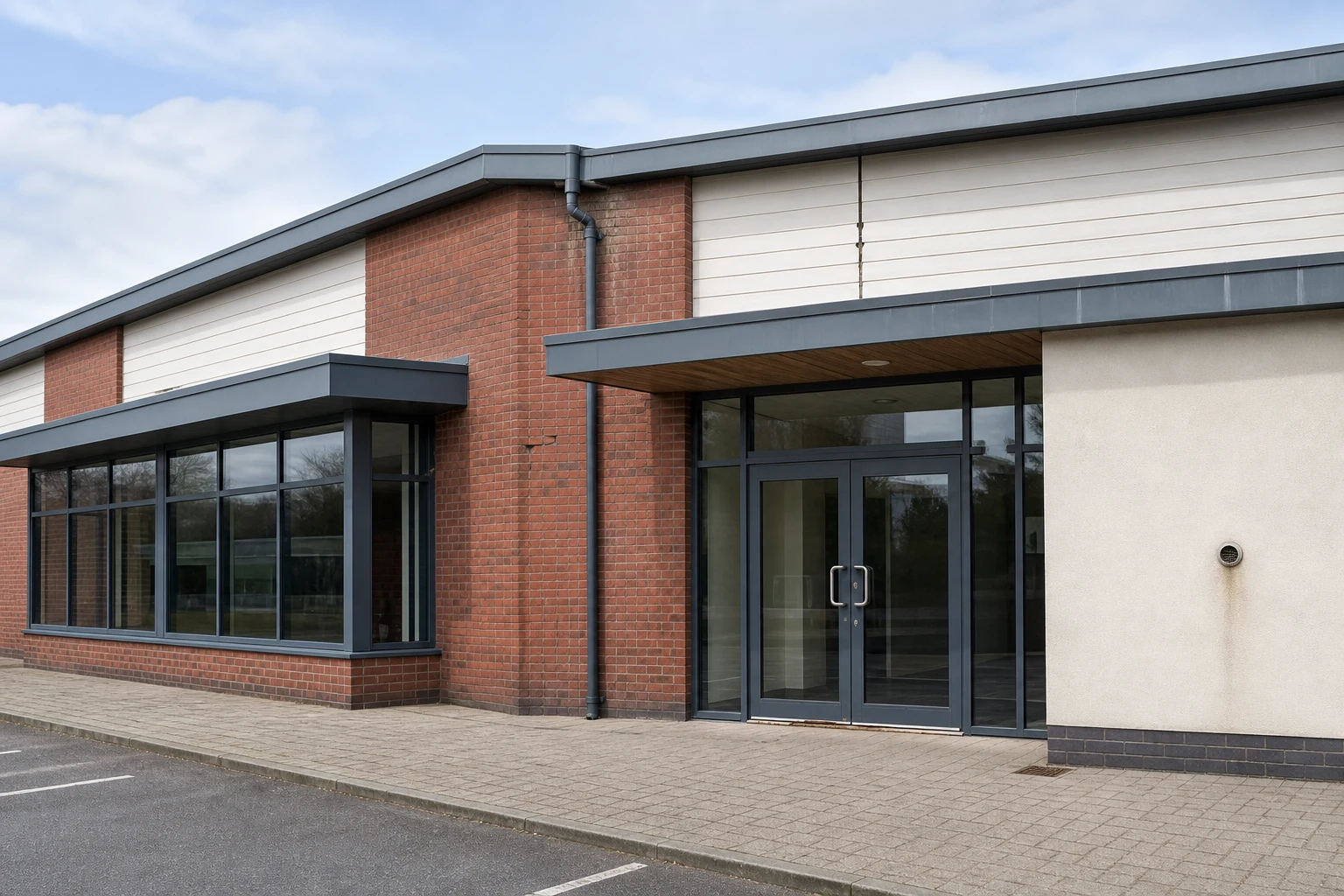
Illustrative workflow
Building Analyst supports the workflow. A qualified professional evaluates and approves the finding.
Designed around the site visit
For surveying practices and in-house property teams. Find your workflow.
Connect each observation to its location, photos and notes so the evidence stays together.
The workflow being developed turns captured evidence into draft material ready to check and refine.
Review the evidence and uncertainty, then approve, revise or reject the finding before it reaches a client.
Product status
Explore our flagship assessment workflow and supporting 3D modelling tool. Neither product has been released through the App Store.
Flagship product — in development
Apple-native field evidence and professional guidance for UK building condition assessment.
In development — not released
Import drone media, process it locally, inspect a 3D model and export model outputs.

Development-stage product proof
Explore the real Ludgershall site model, created from drone imagery processed locally in BuildScan. Load the interactive view when you are ready.
BuildScan — in development
The static image stays available until the model is ready.

About Robson AI
A Chartered Construction Manager with experience in building surveying, asset management and works delivery, Wayne founded Robson AI Solutions to develop practical tools for building professionals.
The focus is simple: keep site evidence connected to the finding, make it easier to review, and communicate clear next actions.
View Wayne on LinkedIn (opens in a new tab)Before we talk
Building Analyst is in development and has not been released. The website shows its intended workflow. Contact Wayne to discuss your inspection and reporting needs.
No. AI may help organise evidence and prepare draft wording. A qualified professional checks the evidence, makes the judgement and approves anything issued to a client.
The button opens a draft in your email app. Tell Wayne about your role, your current workflow and where it slows you down. You can also copy the email address below.
The model demonstrates BuildScan, a separate product in development. Integration with Building Analyst is a future possibility.
Building Analyst conversation
Tell Wayne where inspection evidence or report preparation slows you down. The aim is to understand your process and identify where Building Analyst could help as development progresses. The button opens a draft in your email app.